

Digital citizenship is the ability to use technology safely, responsibly and respectfully. It covers privacy, online behaviour, judging information and managing screen time. It is a set of habits, not a list of rules.
Most parents start with device rules and stop there. Rules limit access, but they rarely build judgement. At The ABC International School (ABCIS), we believe judgement matters more than any single rule.
This article explains digital citizenship element by element, and how it changes with age. It also covers cyberbullying, AI and what you can do at home.
Key Takeaways
- It is taught, not caught. Children do not absorb good online judgement by accident.
- Judgement beats restriction. Rules help, but only reasoning goes everywhere your child goes.
- Needs change with age. A seven-year-old and a sixteen-year-old need different conversations.
- Talk before you confiscate. Removing devices often stops children telling you things.
- AI is now part of it. Questioning AI output is a core skill, not an optional extra.
What Is Digital Citizenship?

Digital citizenship describes how a person behaves, thinks and stays safe in digital spaces. It applies the values we expect offline to life online.
More Than Online Safety
Safety is one part, but not the whole. Digital citizenship also covers kindness, honesty, judging information and looking after wellbeing.
A child can follow every safety rule and still be unkind in a group chat. Both matter equally.
Why It Is Taught, Not Caught
Children are fluent with devices long before they are wise with them. Swiping confidently is not the same as judging well.
Good habits come from explicit teaching, repeated over years. That responsibility sits with schools and families together.
The Core Elements of Digital Citizenship
Most frameworks agree on the same essentials. We group them into seven.
1. Digital Safety and Privacy
Strong passwords, two-step verification and caution with personal details are the foundation. Children should never share their address, school or live location publicly.
They should also recognise a scam. Urgent requests and too-good-to-be-true offers are the classic warning signs.
2. Media Literacy and Source Checking
Not everything online is true, and some of it is designed to mislead. Media literacy draws directly on critical thinking skills. Three questions help:
- Who made this, and why?
- Can I find the same claim from a reliable source?
- Is it trying to make me angry or afraid?
3. Digital Etiquette and Empathy
Tone disappears in text, so kindness takes more effort online. Emotional intelligence helps children read a situation before they reply.
A useful rule: if you would not say it face to face, do not type it.
4. Digital Footprint and Reputation
Everything posted leaves a trace, including deleted posts and private messages. We cover this in more detail further down.
5. Digital Wellbeing and Screen Balance
Healthy use is about balance, not a single number of hours. Sleep, movement and face-to-face time should not be crowded out.
Helping children balance study and play is part of the same picture. So is wider student wellbeing.
6. Rights, Consent and Respecting Others
Children have a right to privacy, and so do the people around them. Posting a friend’s photo needs that friend’s permission.
Sharing someone else’s private images or messages can cause serious harm. In some cases it is also illegal.
7. Using AI Responsibly
AI tools can explain, summarise and draft in seconds. They can also be confidently wrong.
- Check AI answers against a reliable source before trusting them.
- Never paste personal details into an AI tool.
- Treat AI images and video with suspicion, especially anything shocking.
- Follow school rules on AI in homework and coursework.
AI in Coursework
Exam boards set clear rules on AI use in assessed work. Undeclared use can be treated as malpractice. Strong research skills remain the safest protection.
Digital Citizenship by Age
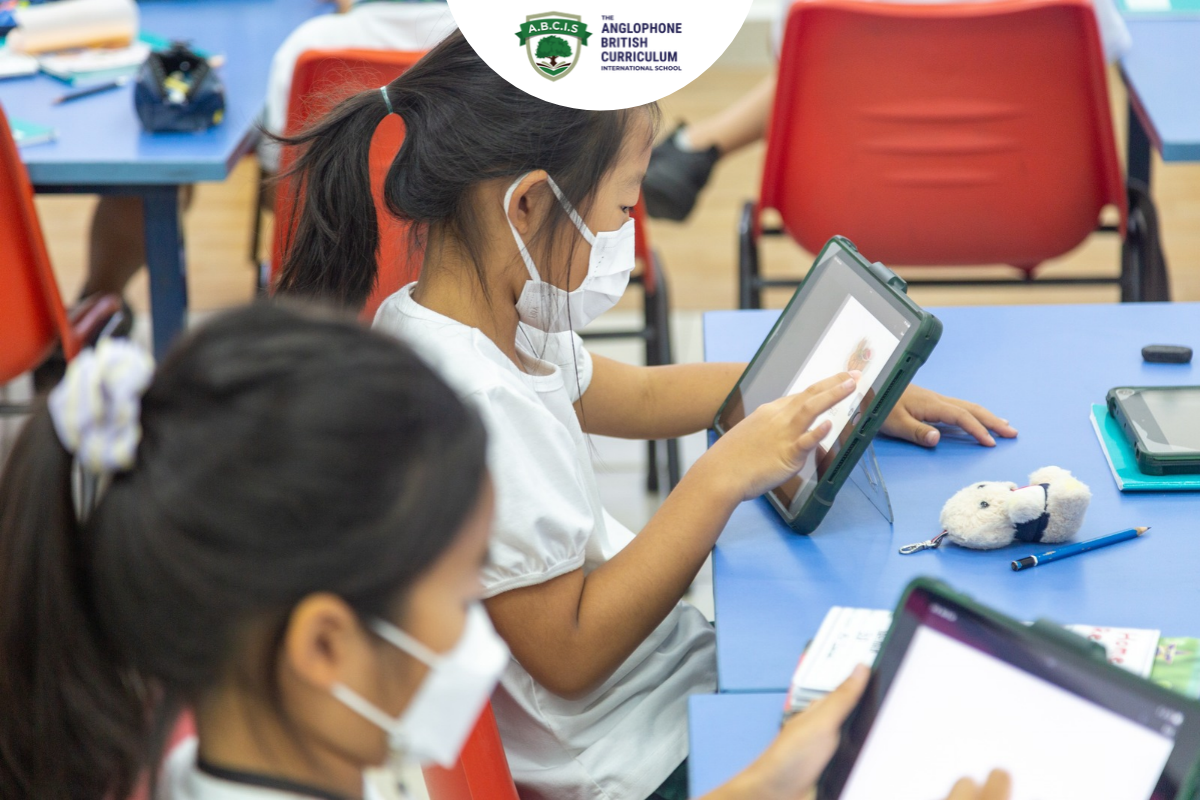
The right conversation depends on your child’s stage. Here is how the focus shifts through the British curriculum.
Early Years and Key Stage 1 (Ages 3 to 7)
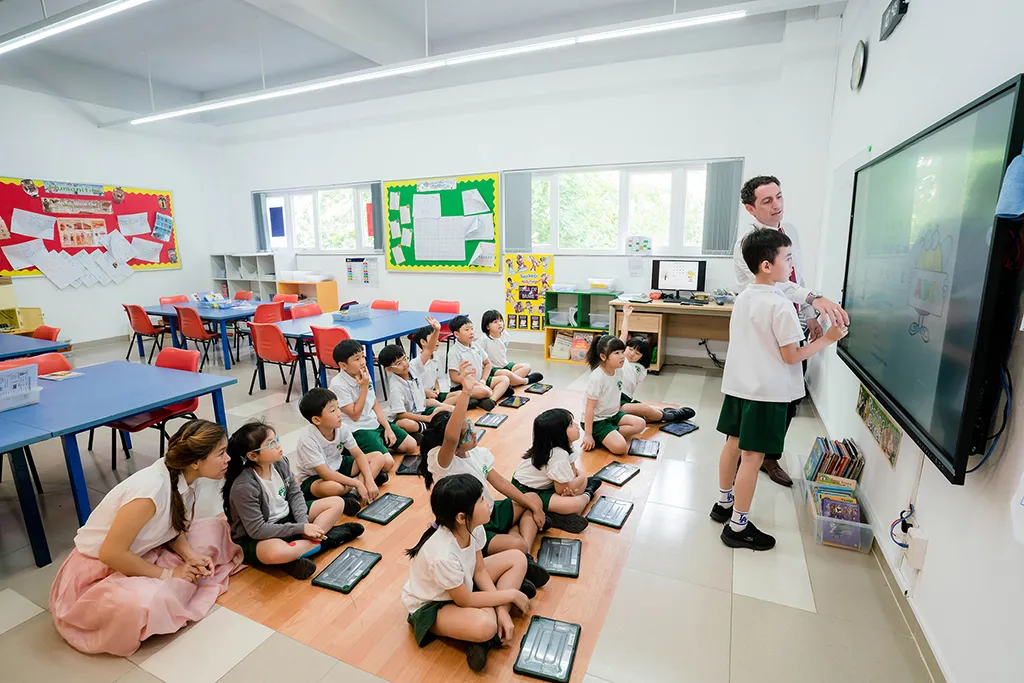
Young children should use devices alongside an adult, in shared spaces. Key Stage 1 is the time for simple rules they can repeat.
- Ask before you tap.
- Tell an adult if something feels wrong.
- Screens stay in shared rooms.
Key Stage 2 (Ages 7 to 11)
This is when children start messaging and gaming with others. Pupils in Key Stage 2 are ready to learn about passwords, kindness and checking facts.
Most major social platforms set a minimum age of 13. Holding that line is easier when other families hold it too.
Key Stage 3 (Ages 11 to 14)
Key Stage 3 is usually when social media arrives in earnest. Group chats, followers and image sharing all bring new pressures.
When Social Media Arrives
Set privacy settings together rather than for them. Agree in advance what happens if something goes wrong.
Key Stage 4 and 5 (Ages 14 to 18)
By Key Stage 4 and Key Stage 5, reputation starts to matter. Teenagers need autonomy, but also a clear sense of consequences.
AI in coursework, public profiles and online relationships are the main topics now. Conversations should be frank and two-way.
Cyberbullying: What to Watch For
Cyberbullying follows children home, which is what makes it so damaging. It happens in group chats, games, comments and anonymous apps.
Signs Something Is Wrong
- Seeming upset or withdrawn after using a device.
- Hiding the screen or closing apps when you walk in.
- Reluctance to go to school or see certain friends.
- Changes in sleep, appetite or mood.
None of these proves bullying on its own. Together, they are worth a gentle conversation.
What to Do First
- Stay calm and listen. Your reaction decides whether they tell you again.
- Do not reply to the bully. Responding usually escalates things.
- Save the evidence. Screenshots with dates and usernames help later.
- Block and report. Most platforms have tools for both.
- Tell the school. Bullying between classmates rarely stays online.
A strong parent-teacher relationship makes that last step far easier. If threats or intimate images are involved, contact the appropriate authorities too.
Why Removing the Device Backfires
Confiscating a phone feels protective. To a child, it can feel like being punished for being bullied.
Many children then stop telling adults anything at all. Keeping the conversation open protects them better.
Digital Footprint and Future Consequences
What Universities and Employers Can See
Public posts, comments and tagged photos can all be found with a quick search. Some universities and many employers do look.
A helpful test for teenagers: would I be comfortable if a future employer saw this?
What Cannot Be Undone
Deleting a post does not delete screenshots of it. Disappearing messages can be recorded too.
Children should assume anything shared could become permanent and public.
What Parents Can Do at Home
Conversations That Work Better Than Rules
Ask what they enjoy online before asking what worries you. Curiosity opens doors that interrogation closes.
Short, regular conversations work better than one big talk.
Agreeing Screen Boundaries Together
A Family Technology Agreement
Write down a few shared rules and agree them as a family. Include where devices charge overnight and when screens go away.
Children are more likely to keep rules they helped to make.
Modelling the Behaviour
Children copy what they see far more than what they are told. Phones at the dinner table send a clear message.
Digital Life in a Family
Many families here use Zalo, Facebook and TikTok daily, often across two or three languages. Your child’s online world may run in a language you read less comfortably.
Ask your child to show you around their apps. Being the expert often makes children more open, not less.
What Schools Should Be Doing
Taught Across the Curriculum, Not in One Assembly
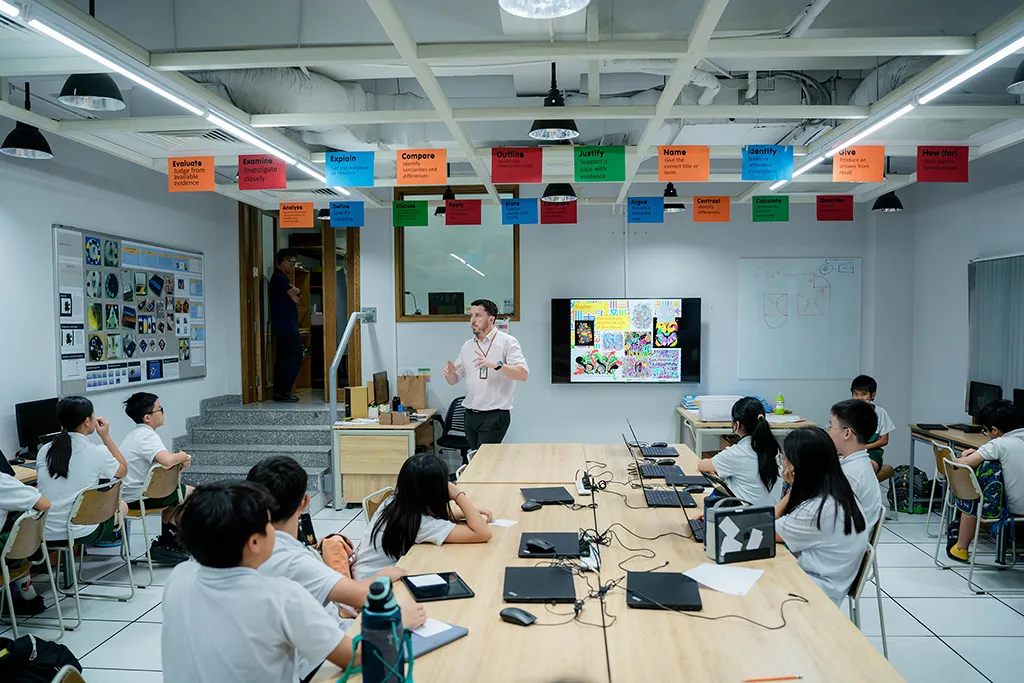
A single online safety talk each year is not enough. Digital citizenship belongs in computing, English, humanities and pastoral time.
How schools use technology in education as a learning tool is a separate question. This is about behaviour, not equipment.
Questions Worth Asking Any School
- Where is digital citizenship taught, and by whom?
- What is the policy on phones during the school day?
- How are cyberbullying reports handled?
- How does the school talk to parents about online safety?
Our list of questions to ask on a school tour covers the wider picture.
How We Approach Digital Citizenship at the ABCIS
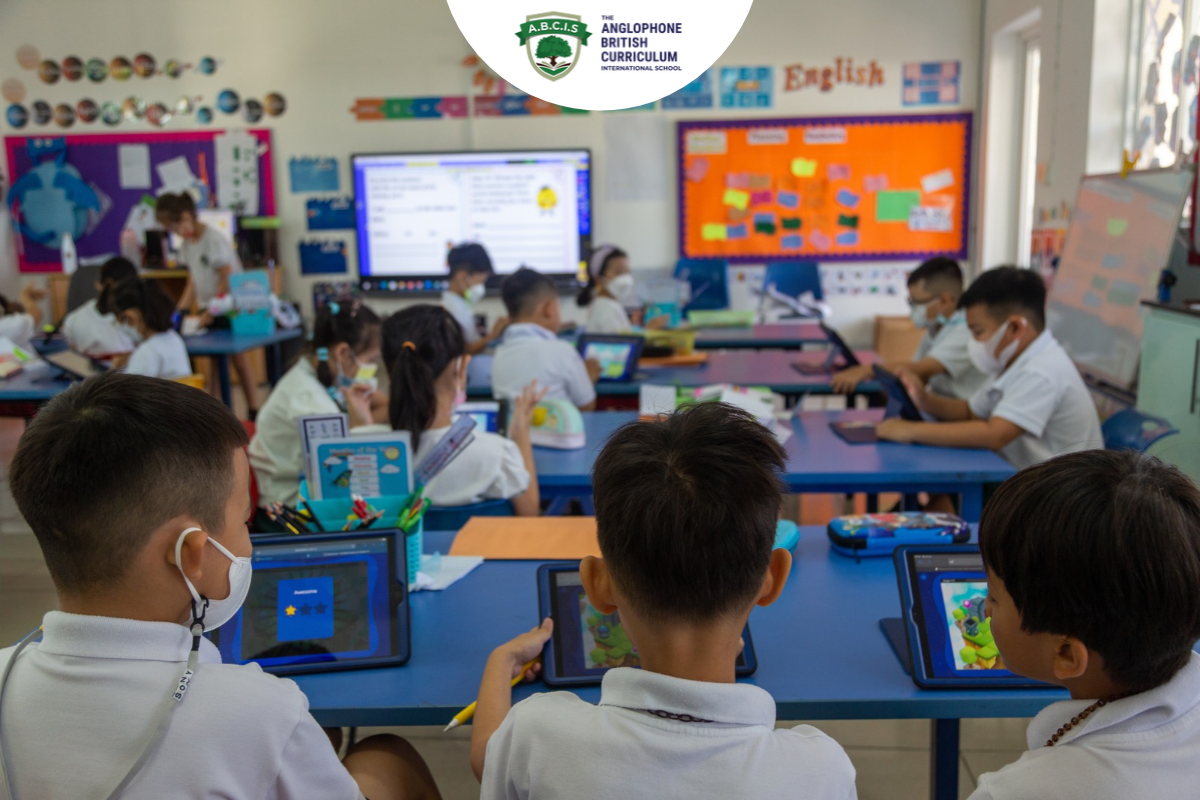
At the ABC international school (ABCIS), we believe digital citizenship works best when school and home say the same things. That is why we see parents as partners in it, not as an audience.
Safeguarding You Can Check
Our BSO inspections assess pupil welfare and safeguarding alongside teaching. The most recent, in January 2024, was graded Outstanding.
We are also members of COBIS and FOBISIA, two networks of British international schools.
Continuity From Age 2 to 18
We teach children from age 2 to 18 across our Trung Son and Nha Be campuses. That continuity lets digital habits build gradually, stage by stage.
In secondary, Model United Nations trains students to question sources and disagree respectfully. Both are digital citizenship skills in everything but name.
Building Digital Citizenship That Lasts
Digital citizenship is not a one-off lesson or a set of locked settings. It is judgement, built slowly through conversation.
Start early, adjust the conversation as your child grows, and keep talking even when it feels awkward.
Explore how we support pupils from Early Years to Sixth Form. You can also contact our admissions team, who are always happy to talk.
- Trung Son Campus: #152-158, Street No. 1, Trung Son, Binh Hung Commune, Ho Chi Minh City, Vietnam
- Nha Be Campus: #2, Street No. 9, Tan An Huy, Nha Be Commune, Ho Chi Minh City, Vietnam
- Phone: +84 (0)28 7308 1828
- Email: office@theabcis.com
Frequently Asked Questions
It means using technology safely, kindly and responsibly. In practice, it is behaving online as you would offline, and thinking before you post or believe.
As soon as they use a device, even alongside an adult. Simple rules start in Early Years and become more detailed each year.
Safety and privacy, media literacy, etiquette and empathy, digital footprint, wellbeing, rights and consent, and responsible AI use.
Watch for withdrawal after device use, hidden screens, avoiding school, or changes in sleep and mood. Ask gently rather than demanding to see their phone.
For younger children, shared access is reasonable and expected. For teenagers, agreed transparency usually works better than secret checking, which can damage trust.
There is no single right number. Look instead at whether sleep, schoolwork, exercise and friendships are being crowded out.
It depends on the task and the school’s rules. Using AI to understand a topic can help, but submitting AI work as your own is not acceptable.